
Matte · Brushed · Shiny
Black Metal Cards for Clear Contrast
★★★★★Rated 5.0/5 by customers on Google
Black metal cards use plated 304 stainless steel as a dark canvas for your identity. Compare low-shine, directional and reflective finishes, then plan contrast and lettering for the final surface.
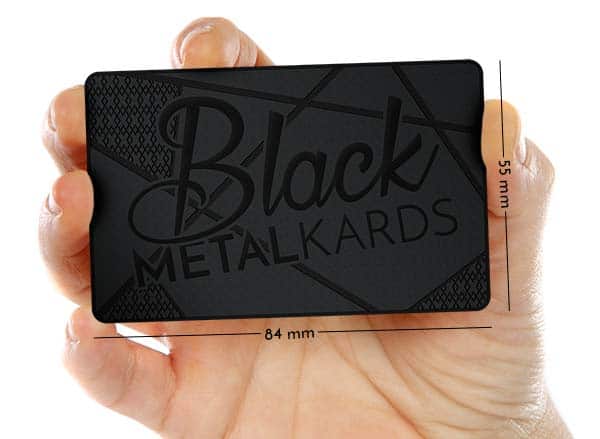
Choose your level of shine
Which black finish fits your identity?
Matte Black
A quieter surface that keeps attention on the logo and lettering.
Brushed Black Gunmetal
Visible texture shifts with light; leave fine lettering room to read.
Shiny Black
A high-gloss surface that makes highlights part of the visual direction.
Contrast before decoration
How can a dark card keep details readable?
Black creates a strong background, so the artwork needs a clear hierarchy. Give the logo a distinct role, keep names and contact details away from dense patterns, and check the smallest lettering at actual card size. Dark-on-dark details can disappear even on a low-shine surface.
Matte Black keeps reflection quiet; Brushed Black adds grain; Shiny Black brings stronger reflections into the composition. Use the contrast and spacing that work with the finish rather than repeating a paper-card layout without checking it against the darker field.
Standard etching and one printed color are included. Silver laser etching can add a light mark against black, while full-color and full-bleed printing are available as add-on options. Identify the printed, etched and open areas clearly in the artwork.
The edge adds another cue
Choose how substantial the card feels
0.3 mm · Slim
A lighter profile with a fine metal edge.
0.5 mm · Original
The included standard thickness and a balanced handfeel.
0.7 mm · Credit Card Thick
Our recommended 0.7 mm Credit Card Thick profile has a substantial feel.
1.0 mm · Extra Thick
A heavier profile. Side-cut bottle openers require at least 1.0 mm steel.
Build a readable surface
Give every artwork technique a job
Use etching for a logo, lettering or a surface pattern. Silver laser etching creates a light detail against black, while printed color can carry your brand palette. Mark print, etching and cut-through shapes as separate areas in the artwork.
Cutouts can echo a logo or form part of the card’s outline. For a bottle-opener design, plan at least 1.0 mm steel for a side cut or 1.5 mm for a center cut, then confirm the complete finish, thickness and design specification. The metal card thickness guide compares the profiles and heavier custom work.
One printed color and standard etching are included. Full-color printing and full-bleed work are available as add-on options. Bring vector artwork or add the paid Metal Card Design Package for a layout.

Etching technique reference, not a finish-calibrated photograph.
From finish to final review
Plan your black metal card
01
Choose the surface
Compare matte, brushed and shiny black, then check how reflection changes the artwork.
02
Set the card feel
Compare Slim, Original, Credit Card Thick and Extra Thick, or discuss a heavier custom card for your design.
03
Prepare the artwork
Use the artwork setup guide to mark print, etch and cut areas, or choose paid design help for a new layout.
04
Review both sides
Check names, contrast and the smallest details at card size before completing the order.
Black metal card examples
Look closely at finish and artwork
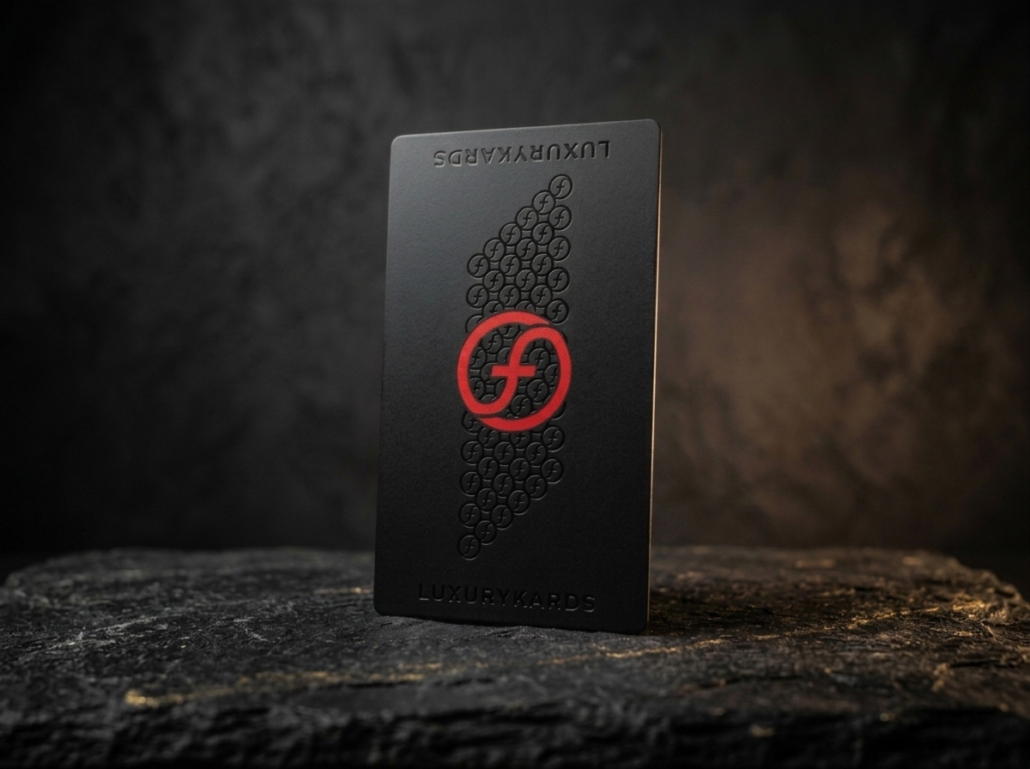
Black-finished cards in a product photograph.
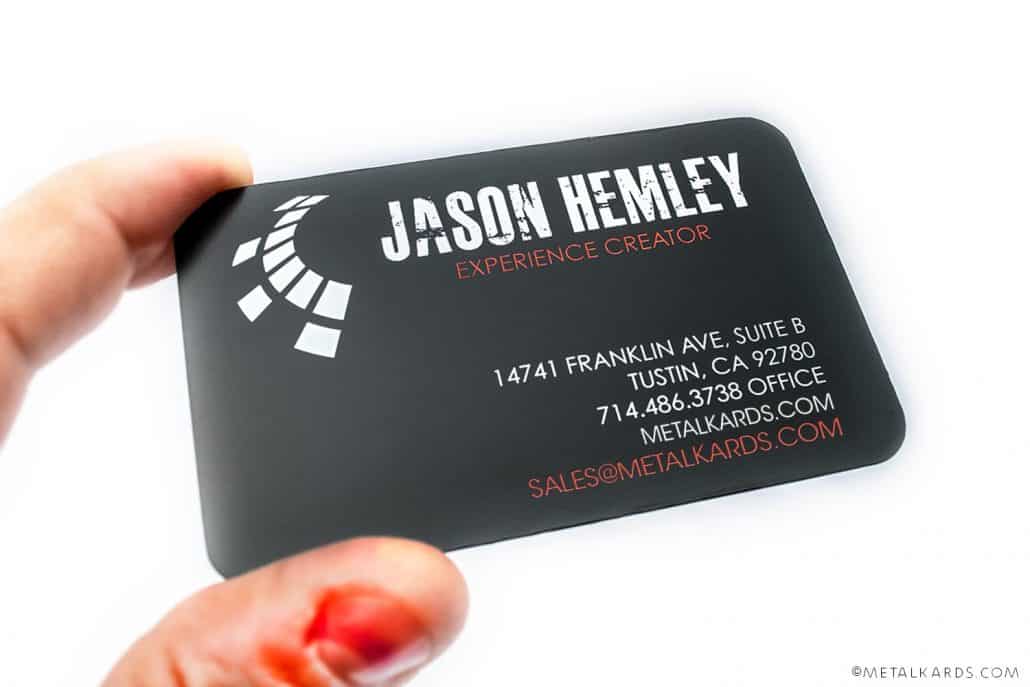
A black card using red detail for contrast.
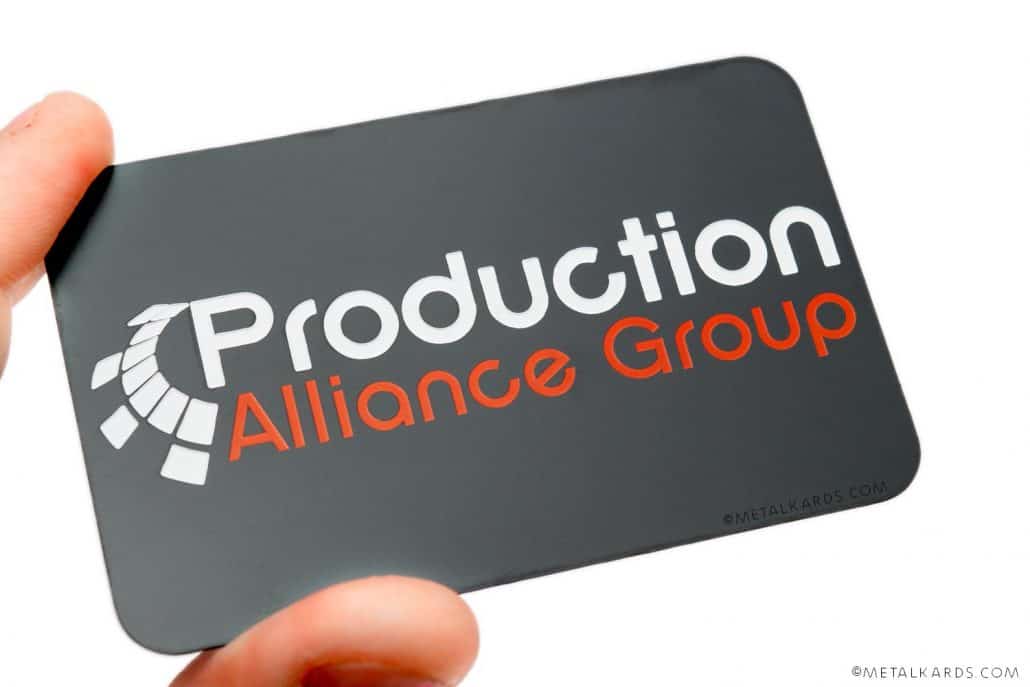
A second black-and-red card view.
Black card questions
What should you check before ordering?
Black metal cards use stainless steel with a black-plated surface. Matte, brushed and shiny finishes change how the dark surface reflects light, while the steel provides the card base. Choose the finish for the way it supports your logo, lettering and printed or etched details.
Matte Black has low shine, Brushed Black Gunmetal adds directional grain, and Shiny Black is reflective and high gloss. Grain and highlights affect how small details appear, so check the logo and contact information at card size against the finish you prefer.
Compare 0.3mm Slim, 0.5mm Original, 0.7mm Credit Card Thick and 1.0mm Extra Thick. The 0.5mm standard is a balanced starting point; the thinner and thicker profiles change the edge and weight. Review the available finish and thickness combination on the order page.
Use clear contrast, deliberate spacing and a readable type size. Silver laser etching and printed color can create a distinct mark against the dark surface. Check the smallest name and contact details at actual card size, especially where brushed grain or shiny reflections meet the lettering.
One printed color and standard etching are included. Full-color and full-bleed printing are available as add-on options. Specialty etching and other selected options may also affect the specification. Review each choice and its total in the order form rather than relying on older price lists.
The four-card sample kit lets you handle examples before choosing a black surface. Use it to compare the dark tone and physical feel, then return to the Black order page to review current options for your preferred finish, thickness and artwork.
Bring your logo and existing vector artwork, or add the paid Metal Card Design Package to create a card layout with Luxury Kards. Mark the areas intended for print, etching and cut-through detail separately, and review the proof for names and small lettering at card size.
Set the tone in black
Choose the finish behind your mark
Compare reflection, grain and thickness, then check how your artwork reads against the dark surface. Start an order or view the sample kit.
Compare Black with the other families in the metal card finishes guide, then use the artwork setup guide to separate printed, etched and cut areas.