At a glance

What makes 3D copper metal cards look dimensional?

3D copper metal cards use etched detail, contrasting color and exposed metal to give a logo a sense of depth. Clear edges and spacing make the effect easier to read at business-card size.

Luxury Kards’ current Copper family is a finish over stainless steel, with Matte Copper, Brushed Copper and Polished Copper choices. Here, “3D” refers to the depth created by the design and etched surface.

Depth begins with the mark

Start with a compact logo, bold initials or a simple geometric shape. These give the etched and unetched areas room to read separately. Overlapping small details can lose that separation at business-card size.

Decide which part should stand out and which parts should recede. Use open space, a clear edge or a change in treatment to separate them, rather than adding decoration to every area.

How does etching create depth on copper?

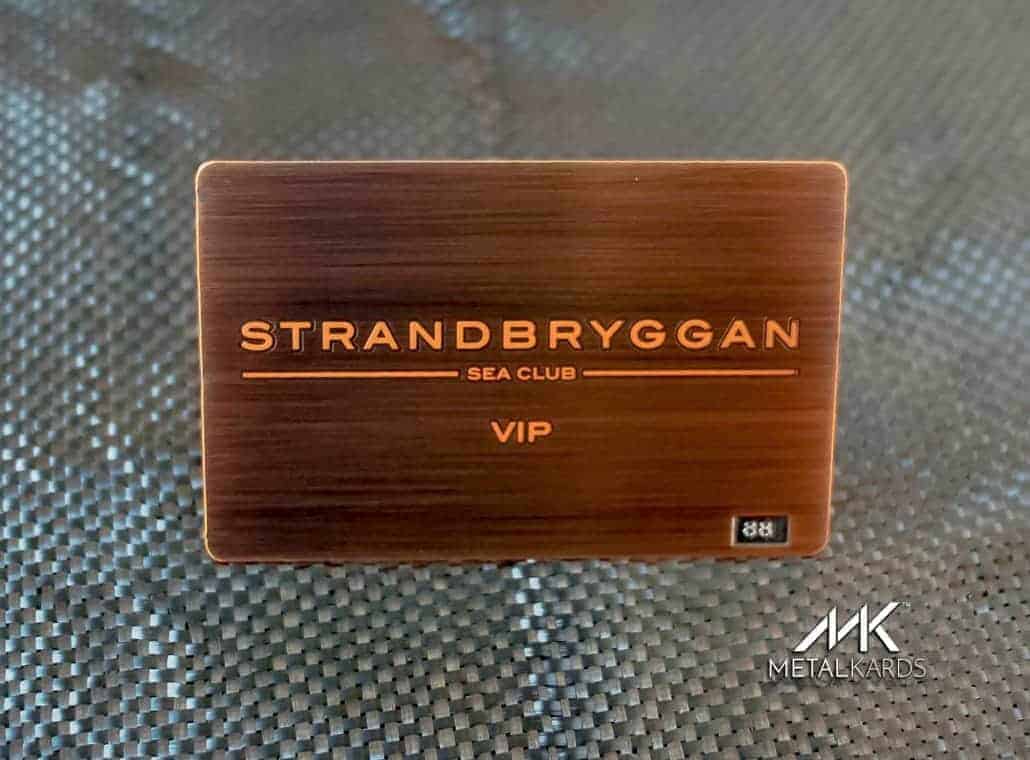
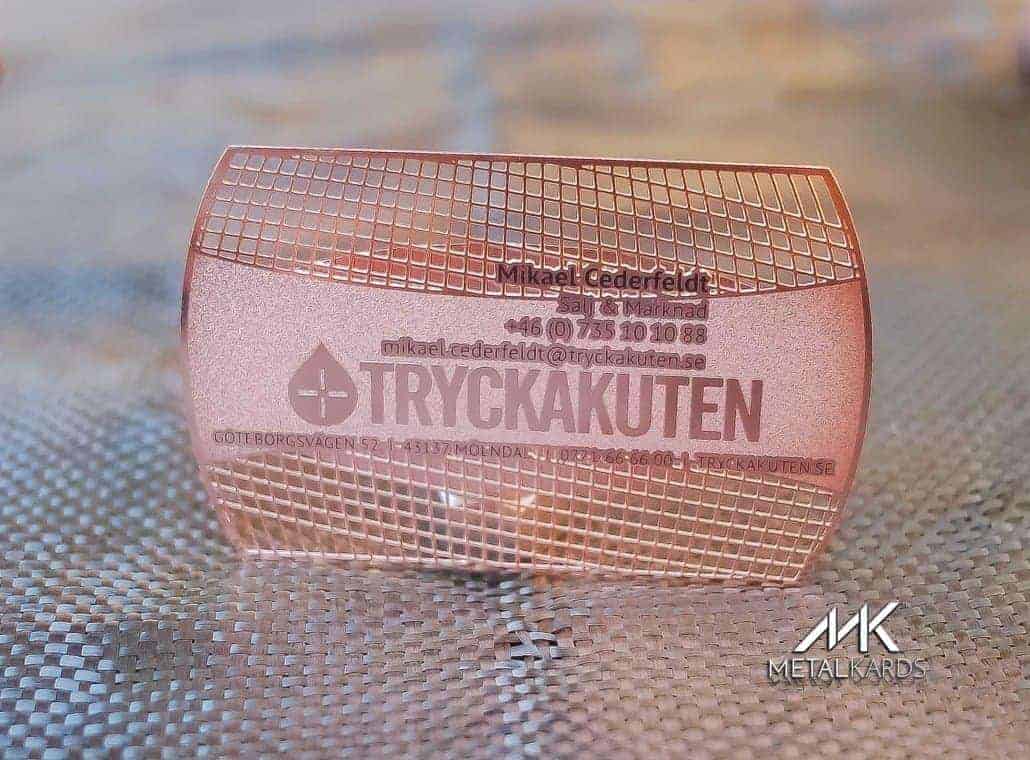
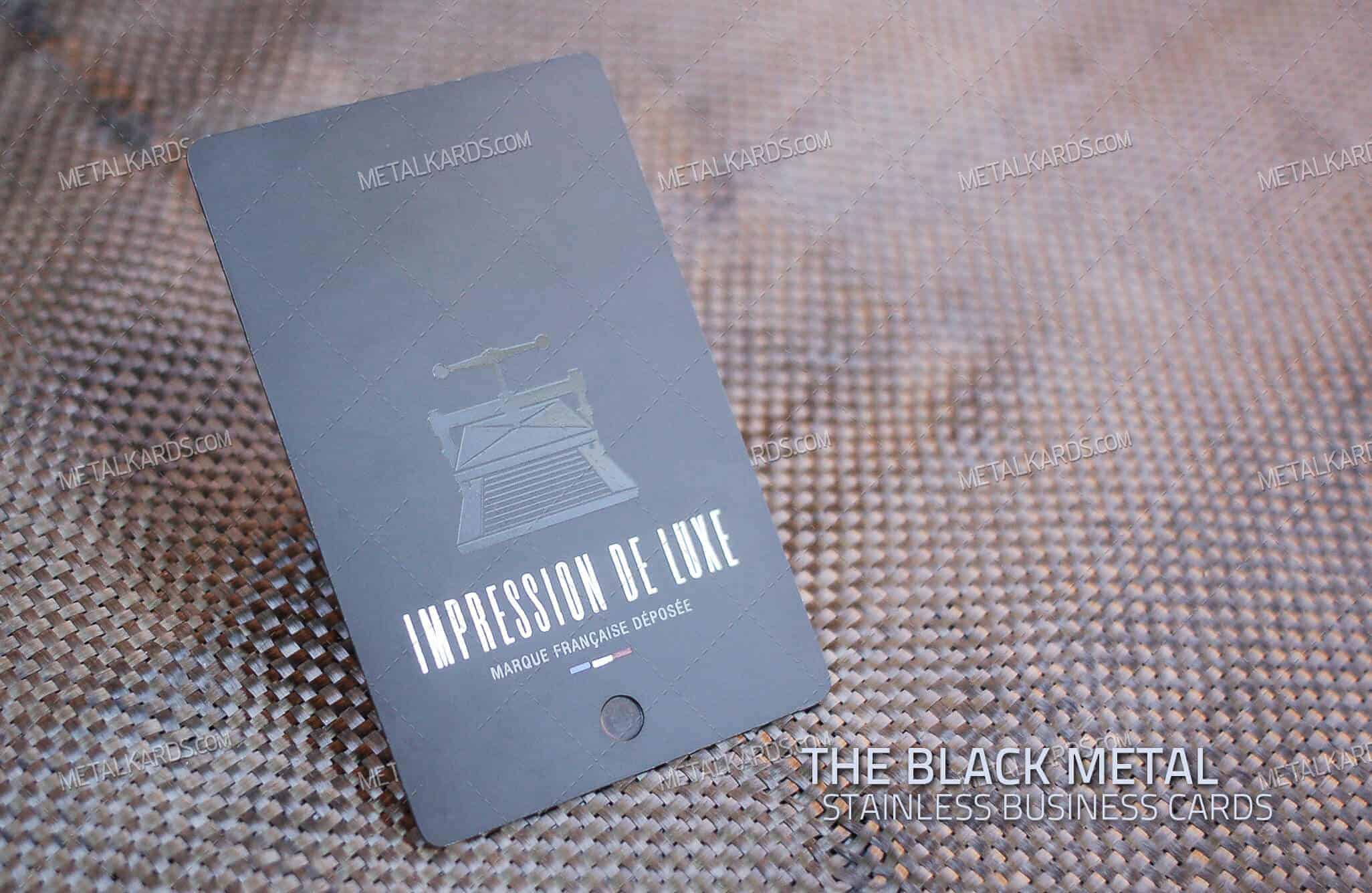
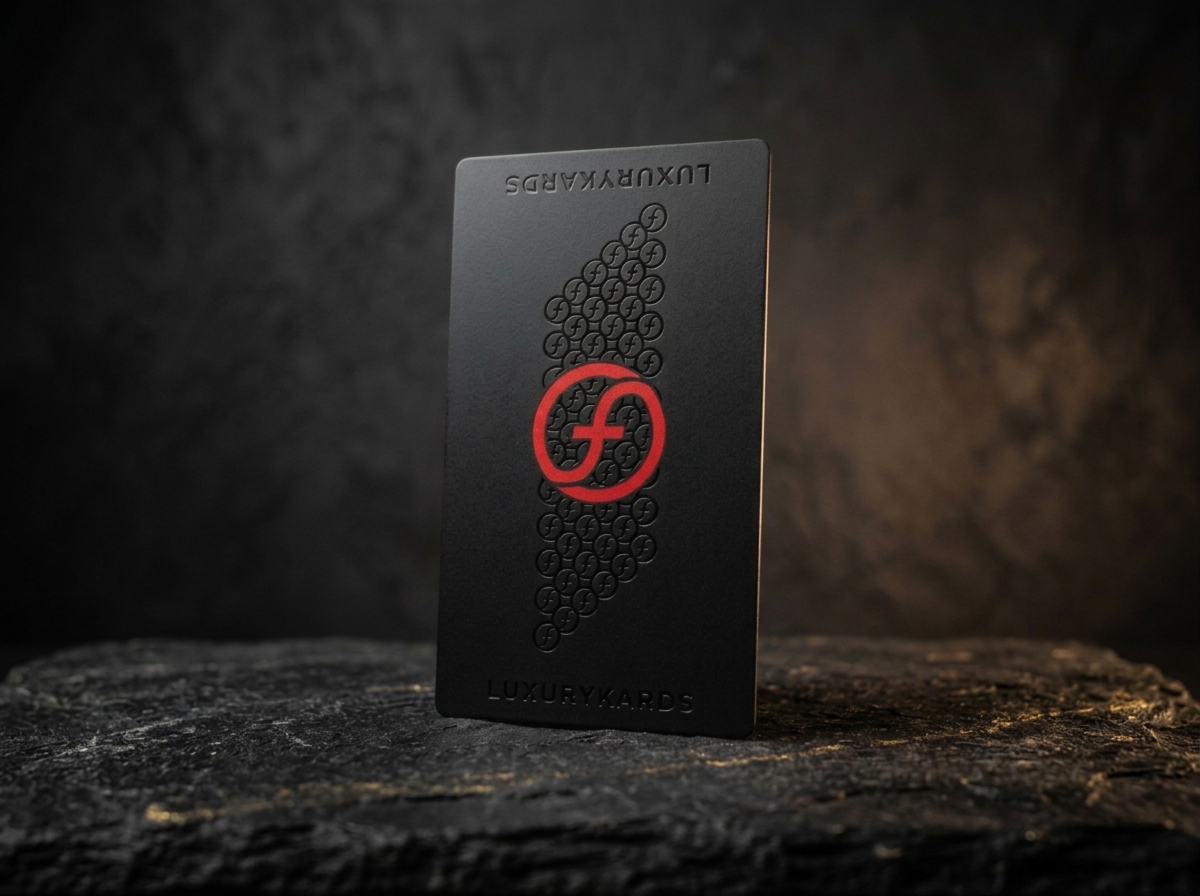
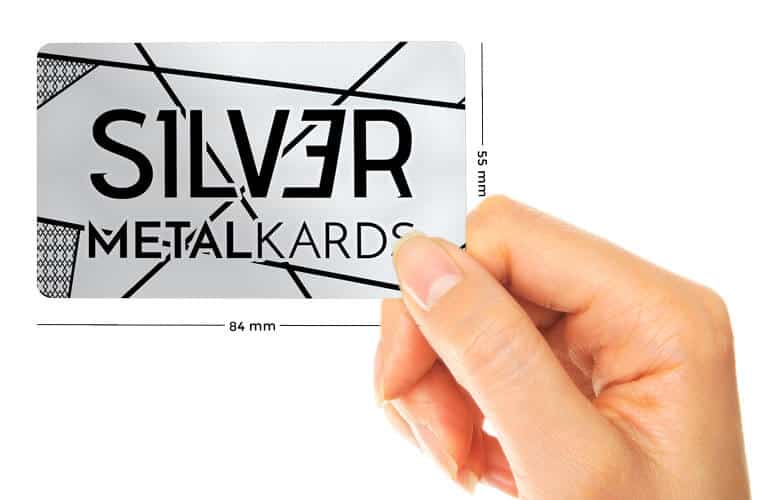
These copper card images show different views of the material and surface; use them as visual references rather than calibrated finish samples.

What is the difference between standard and deep etching?

Standard etching leaves a mark you can see and feel. Deep etching removes more of the surface for stronger relief.

Keep the details readable

Discuss deeper etching for a bold logo or large shape, and confirm its suitability for the finished design. Small contact text needs clarity more than extra relief. When combining print and etching, mark each treatment separately in the artwork.

Compare the finish as well as the depth. Brushed Copper adds fine directional grain, Matte Copper has lower shine and Polished Copper reflects more light. The same etched shape will read against a different surface in each case.

The current copper specification includes one printed color and standard etching. Extra printed colors, full-color printing and full-bleed work are available as add-on options. Review the copper metal card order page and confirm the intended treatments before finalizing the artwork.

How can you plan a dimensional copper design?

Build the design in a few clear decisions, then check the artwork at its real card size.

01

Choose the focal mark

Select one logo, letterform or shape to carry the strongest visual weight.

02

Map the surface treatments

Mark printed, etched and exposed-metal areas for each side in the vector artwork. Identify any cutouts separately so they cannot be mistaken for metal left visible.

03

Review at card scale

Check that the depth effect supports the name and details instead of crowding them.

3D copper card questions

Here, 3D describes a visual effect created with etched depth, contrast and layout. It does not mean the card is a molded object or that every letter is raised. The artwork should identify the areas that are etched and printed so the intended relief is clear.

Standard etching leaves a mark that can be seen and felt. Deep etching cuts further into the metal for stronger relief. Select the approach that fits the scale and importance of the design elements, then confirm the chosen treatment with the artwork.

Copper metal cards have a stainless steel base with a copper finish. Matte Copper, Brushed Copper and Polished Copper are the available surface options.

Matte Copper has subdued reflections, Brushed Copper adds fine directional grain, and Polished Copper is mirror bright. Each changes how light plays across an etched mark. Choose by comparing the surface with the artwork, and use real samples if the difference matters to the design decision.

The current copper specification includes one printed color and standard etching. Other color and full-bleed treatments are available as add-on options. If the design combines print and etching, label each area clearly in the artwork and verify that the order options match the production plan.

Give the main logo or shape room, and reserve clear space for names and contact details. Avoid making important information depend on numerous tiny etched marks. Review the design at actual card size, where spacing and contrast are easier to judge than in a zoomed-in file.

Copper finish and etching

Plan the relief around your artwork

Compare the current copper surfaces and etching choices, then specify clearly which details should be printed, etched or left open.

Prefer to talk it through? Call +1 (888) 800-4168