
Natural Gold · Brushed Bronze · Polished Gold
Gold Metal Business Cards
★★★★★Rated 5.0/5 by customers on Google
A warm metallic finish. A considered introduction.
Gold metal business cards bring a warm metallic surface to your logo, name and contact details. The foundation is stainless steel with a gold finish. Compare Natural Gold, Brushed Bronze and Polished Gold, then use typography, spacing and printed or etched detail to give that surface a clear visual purpose.
- Genuine stainless steel with gold-colored plating
- Four thicknesses: 0.3, 0.5, 0.7 and 1.0mm
- Etch, print and personalize your design
In-house design team
Online Mockups & Digital Proofs
Live price as you build

Included free with every order
The starting details for your gold card.
FREE
Natural Gold finish
A warm, even gold surface for refined lettering.
FREE
0.5mm steel
Gold metal cards with wallet-friendly weight.
FREE
Card size
Choose a footprint suited to your gold-card layout.
FREE
Printed color
One printed color accents the warm gold surface.
FREE
Standard etching
Tactile etching gives a gold emblem added dimension.
FREE
Silver laser etching
Silver laser detail adds a cool metallic note.
FREE
QR code
Share one website QR across your gold cards.
FREE
Bottle-opener cut
An included cut with 1.0mm gold-finished steel.
1 Your next step
Give your introduction a golden signature.
Let a warm gold finish frame your identity without crowding the design. Start with the surface and thickness you prefer, then use printed color and etched detail to create a card that feels distinctly yours.
- $10 flat-rate USPS Priority shipping in the US
- Secure, encrypted checkout
- Questions? Call +1 (888) 800-4168
We accept
How the builder works
Five steps, top to bottom.
- Thickness: 0.3, 0.5, 0.7 or 1.0mm.
- Quantity: choose the card count for your gold design.
- Finish: Natural Gold, or upgrade to Brushed Bronze or Polished Gold.
- Etching, specialty options and printed colors.
- Artwork: send prepared files, choose in-house design or arrange your artwork later.
Tell us how you want your gold cards to look. We can help you choose a direction.
Made in our shop
Real gold cards, not renderings.
Actual gold metal cards we have produced for customers. Tap any photo to see it full size.
2 Choose the finish
Warm gold, bronze grain or mirror polish.
These finishes are plated over 304 stainless steel. Natural Gold has low shine, Brushed Bronze adds a deeper tone and directional grain, and Polished Gold has a mirror-bright surface. Compare the gold-family finishes around the lettering and open space in your design.

Included
Natural Gold
A soft, low-shine gold. Light falls evenly across the card, so etched and printed detail reads cleanly.
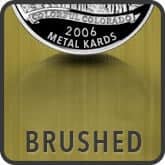
Finish upgrade
Brushed Bronze
Hard plated with a fine directional grain and a deeper, earthier warmth that shifts as the card moves.

Finish upgrade
Polished Gold
Hard plated and mirror bright: the most reflective, eye-catching gold we offer.
3 Choose the weight
Choose the weight beneath the gold finish.
The gold finish sets the appearance; the steel thickness sets the feel. Choose 0.3mm for a lighter profile, the included 0.5mm standard, our recommended 0.7mm Credit Card Thick or 1.0mm for a more substantial edge. The metal card thickness guide helps compare those profiles.
Slim
0.3 mm
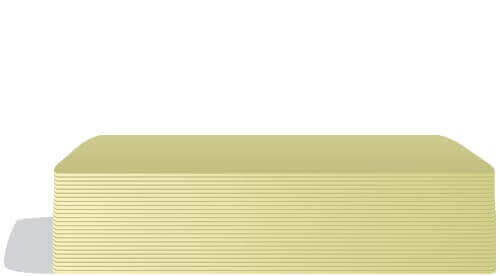
Illustration · not to scale
A lighter gold-finished profile with a fine edge.
Original
0.5 mm
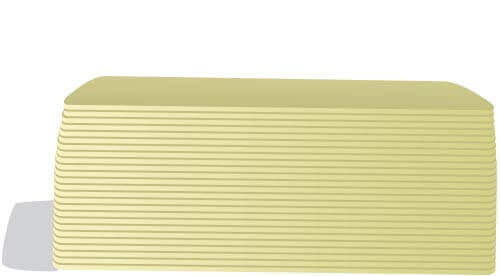
Illustration · not to scale
Classic steel substance beneath the warm gold surface.
Credit Card Thick
0.7 mm
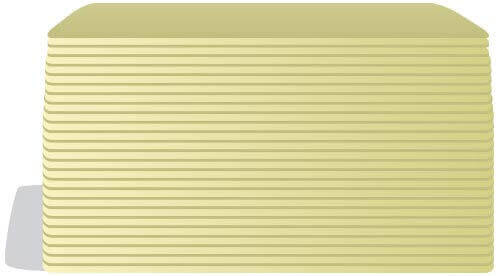
Illustration · not to scale
More edge and heft to complement the gold finish.
Extra Thick
1.0 mm
A substantial gold-finished edge; go 1.0 mm and the bottle-opener cut is included free.
Choose Credit Card size, 85 × 54 mm, or Business Card size, 89 × 51 mm, for your gold-finished cards. Request a quote for custom sizing.
4 Make your mark
Give warm metal a defined mark.
Start with the lettering you want people to read first. Decide whether print, etching or both will define it against the gold finish, then choose the treatments in the builder.
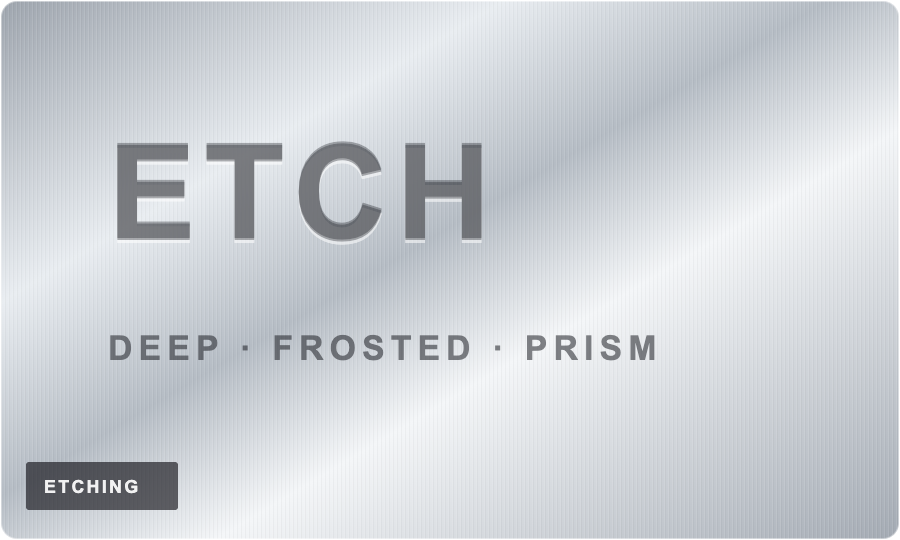
Etching technique illustration · not a product photograph
Etching
Define lettering and emblems with etching.
Let the gold surface remain part of the artwork instead of covering every area. Standard etching can define an emblem or lettering; silver laser detail adds another metallic tone. Deep, prism and frosted options change the texture, or take etching right to the edge with full-bleed etching.
- Choose 0.5–1.0 mm for deep etching that gives gold lettering added relief.
- Prism etching brings a fine dotted texture to the warm gold surface.
- Frosted etching pairs a soft texture with gold’s even sheen.
- Silver laser etching adds a bright second metallic tone to gold.
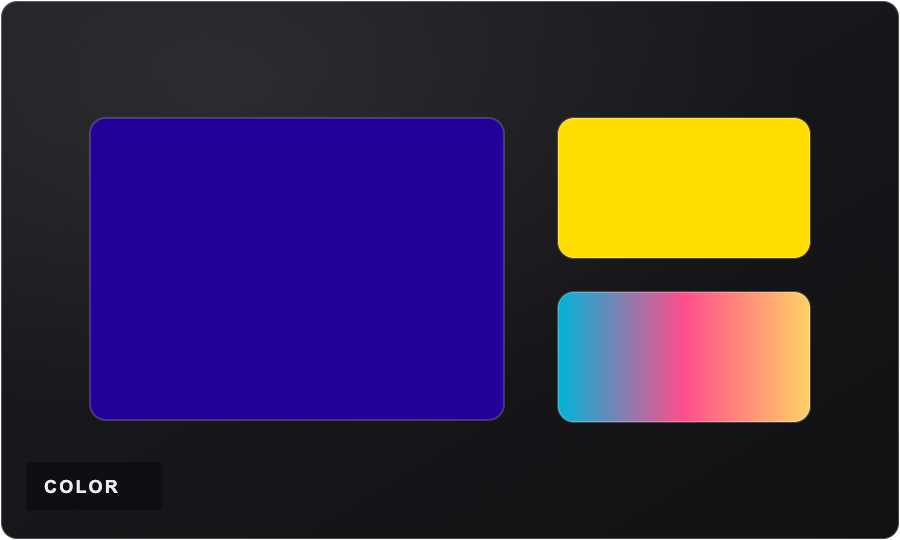
Color technique illustration · color is illustrative, not calibrated
Color
Choose printed color to contrast with gold.
A printed logo can contrast with gold while leaving the finish visible around it. One printed color is included. Additional colors, full-color artwork and printing to the edge are separate paid choices, so select the coverage as well as the palette.
- Paid full-color CMYK brings photographs and gradients to the gold surface.
- Full-bleed printing and etching bring gold artwork to the edge as add-on options.
- Metallic inks in gold, silver or bronze add a fine shimmer to the warm finish.
5 Add function
Make the name part of the gold design.
For a name-led gold card, give typography enough space beside the logo. Carry that hierarchy across a team with individual names or roles where required.
Personalize each gold card
- Set an individual name, title or number in etched or printed detail on each card.
- Arrange up to seven lines of about 24 characters per card in an Excel file.
- Repeat one shared QR code for your website or contact details across the set.
Add a back or access strip
- Magnetic backing gives the gold card a handy place on a fridge or file cabinet.
- Adhesive backing offers a simple way to mount the card on a chosen surface.
- Choose a blank LoCo or HiCo strip, or encode it from Excel data on 0.5–1.0 mm cards.
6 Artwork
Give your typography room on gold.
Convert lettering to outlines and label the printed, etched and exposed gold areas in your vector artwork. Send prepared files or choose the paid design package for help with the layout.
1
Upload ready vector artwork
Send outlined vectors that show how your lettering and mark sit against the gold surface.
2
Metal Card Design Package
Our paid in-house package develops the gold-card layout and shares online mockups for refinement.
Explore the Metal Card Design Package for artwork help.
3
Set up artwork later
Place the order, then send your outlined artwork when the gold-card layout is ready, or add the paid package later.
Artwork checklist
- Supply AI, EPS, PDF or SVG vector artwork for crisp gold-card details.
- Outline all fonts and embed linked files for a clear production handoff.
- Use bitmap images for full-color photographs and gradients on gold.
- Give each printed hue a PMS or HEX reference against the gold finish.
- Map printed and etched areas separately on both sides of the card.
A finish-labeled layer map shows how lettering, printed color and exposed gold work together.
What customers say
A card that starts the conversation.
Rated 5.0/5 by customers on Google.
7 Before you order
Gold finishes, lettering and artwork.
Finishes, thickness, artwork and upgrades: the practical answers before you build.
Are these solid gold business cards?
These cards use a gold finish on stainless steel, not solid gold. Natural Gold, Brushed Bronze and Polished Gold offer different surface appearances on that steel foundation. Select the finish for its color and character, then choose the thickness independently.
What should I consider for lettering on Polished Gold?
Give the name and contact details clear spacing, and show whether each line should be printed or etched. Polished Gold reflects light, so leave open areas where you want the finish to show without crowding the text. Check the layout at the card’s actual size.
Why choose Brushed Bronze instead of Natural Gold?
Brushed Bronze gives the gold family a deeper tone and visible directional grain. Natural Gold has a softer, more even appearance. Choose bronze when the surface texture is part of the identity, or Natural Gold when you want a quieter backdrop for the artwork.
Which gold card surface gives me low shine or mirror brightness?
Natural Gold gives lettering a soft, low-shine background. Polished Gold has a mirror-bright surface, while Brushed Bronze adds deeper color and directional grain. All three finishes sit over stainless steel, so choose the surface separately from the card’s thickness.
How do I pair a gold card finish with the right steel weight?
Gold describes the plated surface; steel thickness determines the feel in hand. Keep the included 0.5mm for classic substance, choose 0.3mm for a fine edge, or give the warm finish more heft with 0.7mm or the substantial edge of 1.0mm.
How do I bring my gold card options into one order?
Choose the steel thickness and quantity, then settle on Natural Gold, Brushed Bronze or Polished Gold. Build the printed and etched details around your lettering, selecting full-color artwork and edge coverage separately when needed. Review those treatments alongside the warm finish before ordering.
Can I print a multicolor logo over a gold card finish?
One printed color comes with your gold cards, making it easy to set a logo against the warm finish. For a multi-hue identity, the builder offers additional silkscreen colors up to eight, plus full-color CMYK for photographic artwork or gradients.
How can I give gold card lettering an etched texture?
Leave gold around your lettering or emblem and choose the mark’s texture. Standard etching defines the surface, prism adds fine dots and frosted etching offers a soft texture. Silver laser detail introduces another metallic tone; for deep relief, select deep etching on 0.5mm, 0.7mm or 1.0mm steel.
Can individual names be part of a coordinated gold card design?
Give each name its own space beside the logo so the warm gold finish remains part of the layout. Variable laser etching or color printing can carry those individual details, and one shared website or contact QR can be repeated across your set.
Which file setup keeps gold visible around lettering and emblems?
Build the card-sized layout in AI, EPS or PDF vector format and turn fonts into outlines. Label the printed, etched and exposed gold areas separately on both sides, then include PMS or HEX references for printed shades. Check the lettering and spacing at the final card dimensions.
Which gold card details come as standard, and what can I customize?
The starting specification includes Natural Gold, 0.5mm steel, either listed size, one printed color, standard and silver laser etching, and a shared QR code. Brushed Bronze or Polished Gold offers a different surface, while full-color and full-bleed treatments are separate upgrades. Choose 1.0mm steel to include the side-cut bottle-opener cut.
Ready when you are
Compose your gold metal card.
Review the lettering, gold surface and card weight together. Check that the chosen print, etching and edge coverage match your artwork before adding the configuration to your cart.